
The Ottocast Mini Cube 3.0 turns a wired Android Auto connection into a wireless one, so my phone connects without needing to plug in a cable for every journey.
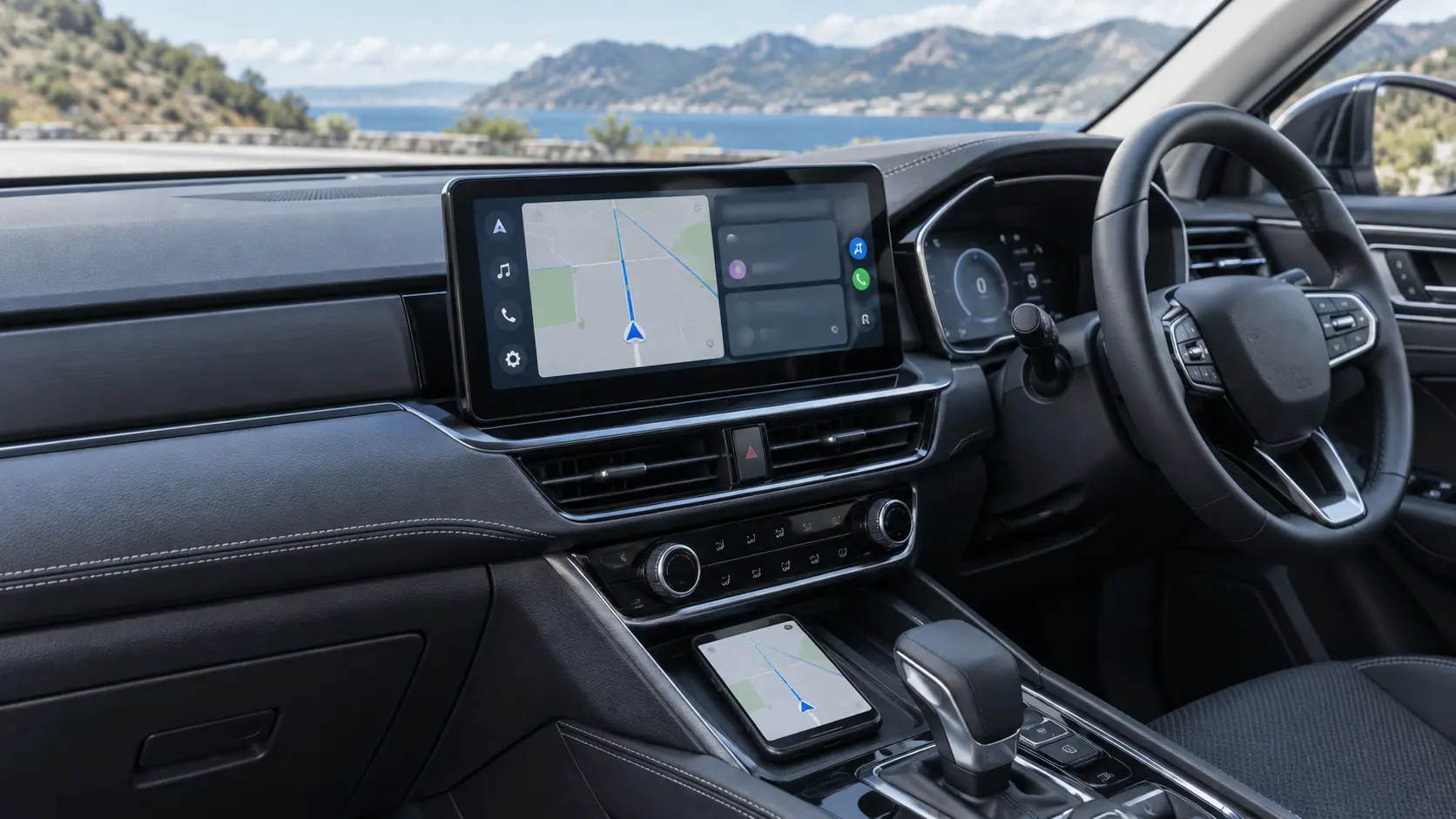
Easy everyday wireless Android Auto
Once set up, Android Auto connected and worked as expected. Maps and music information appeared on the vehicle display, the steering-wheel controls continued to work, and the audio quality remained excellent.
What I liked
The biggest benefit is convenience. I can get into the car with my phone still in my pocket and use Android Auto without connecting a cable.
Everyday benefits
- Wireless Android Auto without plugging in
- Excellent sound quality
- Maps and music information on the car display
Works with the car
- Steering-wheel controls continued to work
- Compact adapter does not take up much space
- Simple to use after the initial setup
Small side note: on my Mercedes display, the Android Auto logo takes up more screen space than I would prefer. This is a minor visual point and has not affected how the adapter works.
My verdict
The Ottocast Mini Cube 3.0 gives me the convenience I wanted from wireless Android Auto while preserving excellent audio and the controls I already use in the car. For a compatible vehicle with wired Android Auto, it is a useful upgrade that makes everyday journeys easier. Check compatibility for your own car and phone before buying.
Check the current Amazon UK listing
Use the product page to confirm current compatibility information, price and availability for your own vehicle and phone.
View Ottocast on Amazon UK ↗